> ## Documentation Index
> Fetch the complete documentation index at: https://docs.drip.re/llms.txt
> Use this file to discover all available pages before exploring further.
# Attach Embed
> Add an embed to the button
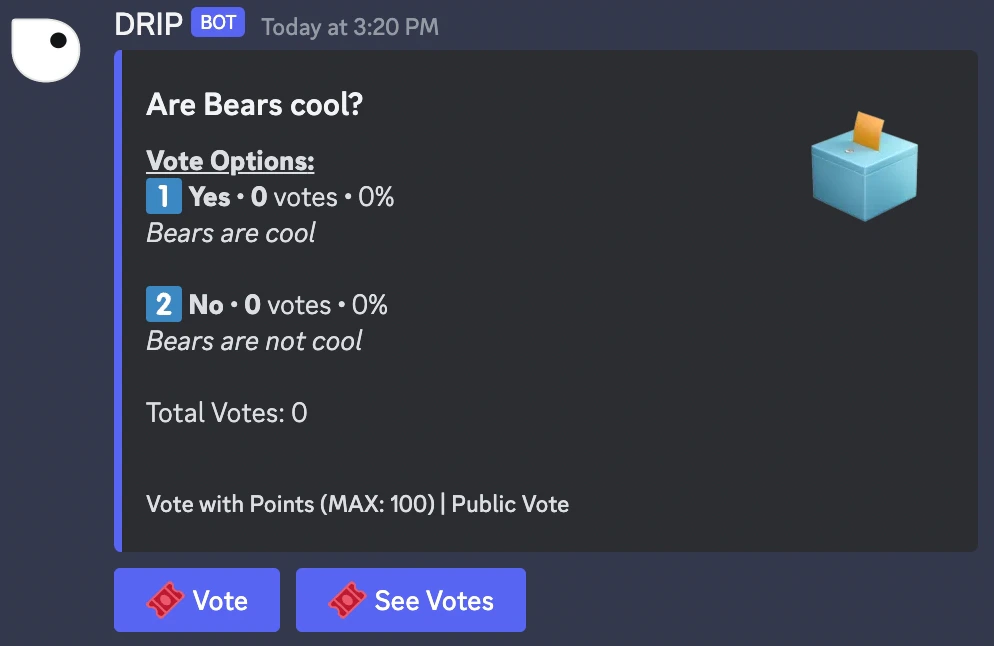
This option allows you to add an embed to the button. This embed will be sent as a reply.
When you click on the option, a form opens where you have to enter the **link of the embed** you want to send as a reply.
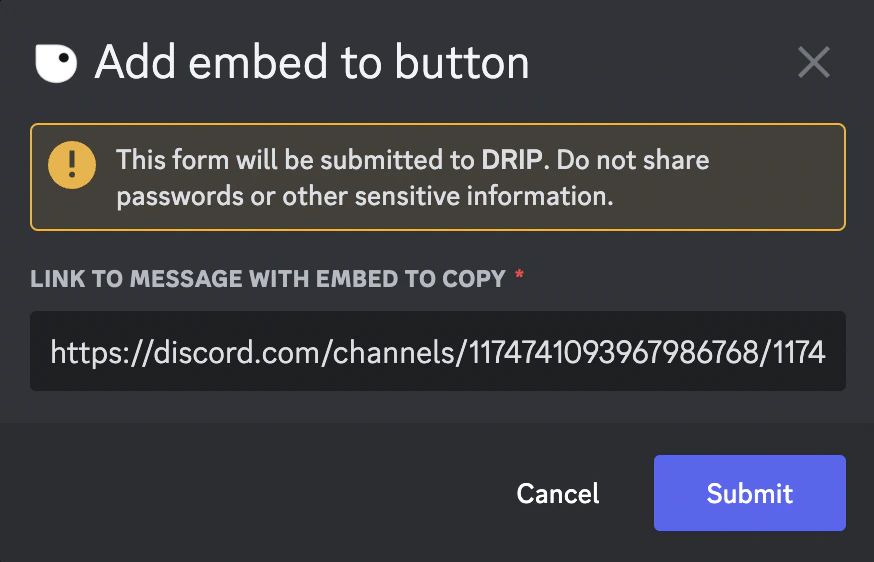 Once you submit the embed, the embed is updated. As of now, members who press the button will get the embed as a reply.
 ✨ This feature is only available for the Core Tier
*Keywords: attach embed*
✨ This feature is only available for the Core Tier
*Keywords: attach embed*