> ## Documentation Index
> Fetch the complete documentation index at: https://docs.drip.re/llms.txt
> Use this file to discover all available pages before exploring further.
# Attach Message
> Add a message to the button
This option allows you to add a message to the button. This message will be sent as a reply. When you click on the option, a form opens in which you have to enter the message.
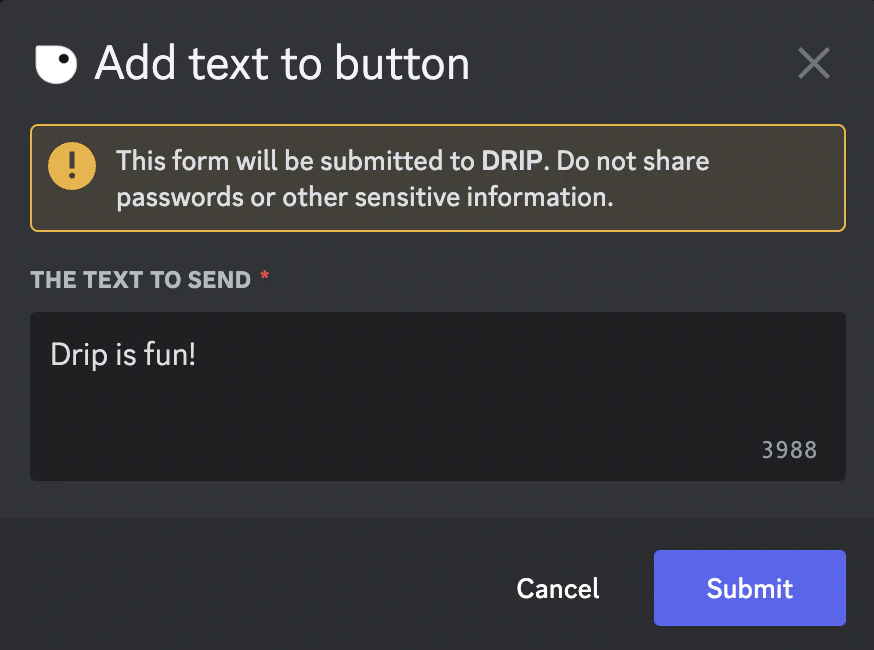 Once you submit the text, the embed is updated. As of now, members who press the button will get the message as a reply.
 *Keywords: attach message*