> ## Documentation Index
> Fetch the complete documentation index at: https://docs.drip.re/llms.txt
> Use this file to discover all available pages before exploring further.
# Give/Take Role
> Give/Take a role from a member
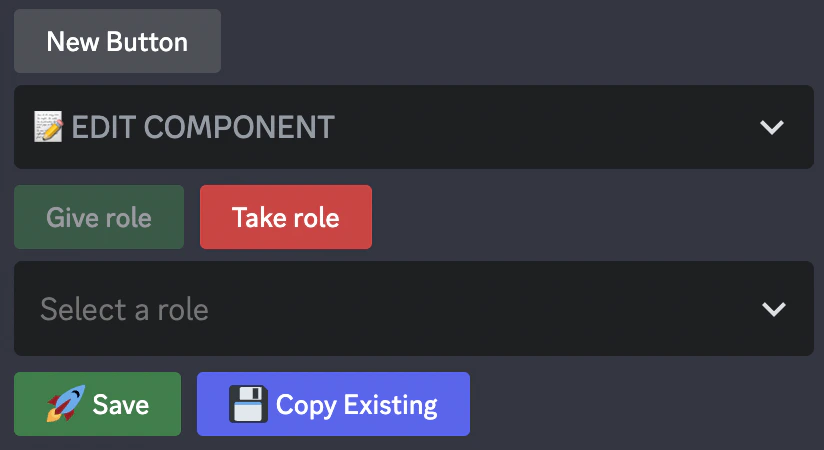
This option allows you to give/take a role from a member when they interact with it. If you click on the option, multiple options will be displayed:
* Give/Take Role -> Click on the option that applies
* The role to give/take
 Once you submit the information, the embed is updated. When a member now presses the button, they will get the following response:
 *Keywords: give/take role, select role, give role, take role*