> ## Documentation Index
> Fetch the complete documentation index at: https://docs.drip.re/llms.txt
> Use this file to discover all available pages before exploring further.
# Password Restrictions
> Add a required code to the button
This option allows you to add a required code to the button. When you click on the option, a form will open where you have to enter the code.
This code is **case sensitive**!
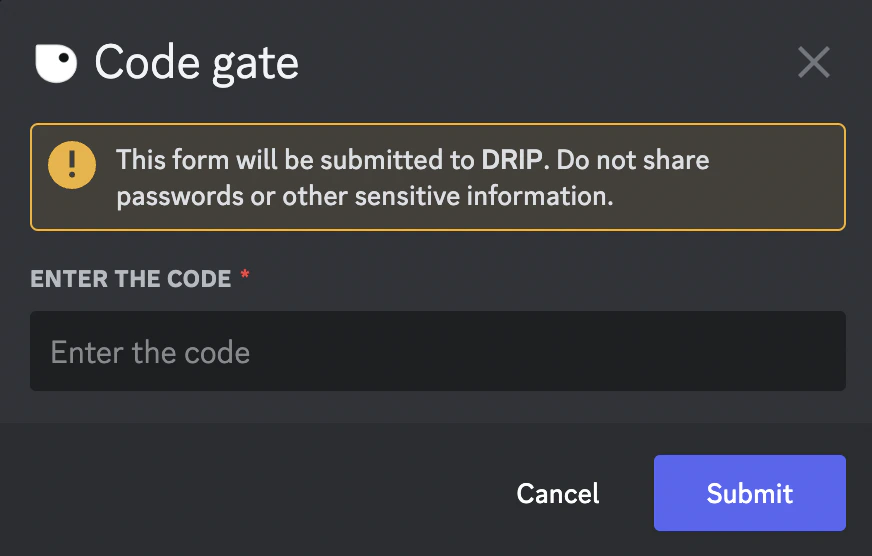
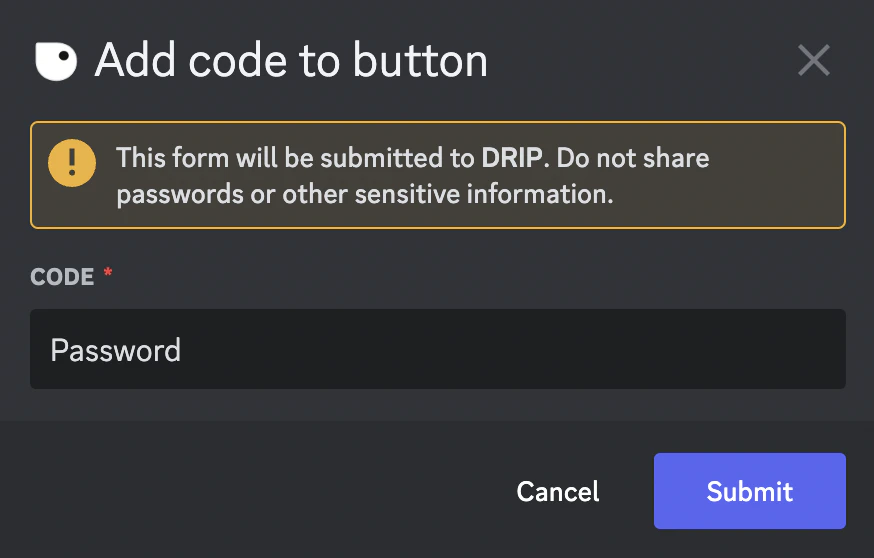 Once you submit the code, the embed will be updated. From now on, members who press the button must enter the code you submitted. If they don't, they can't use the button.
 ✨ This feature is only available for the Pro Tier
*Keywords: password restrictions, code restrictions*
✨ This feature is only available for the Pro Tier
*Keywords: password restrictions, code restrictions*