> ## Documentation Index
> Fetch the complete documentation index at: https://docs.drip.re/llms.txt
> Use this file to discover all available pages before exploring further.
# Edit Media
> Set the images of the embed
This option allows you to set the images of the embed. When clicking the option, a form will be opened where you can fill in the following:
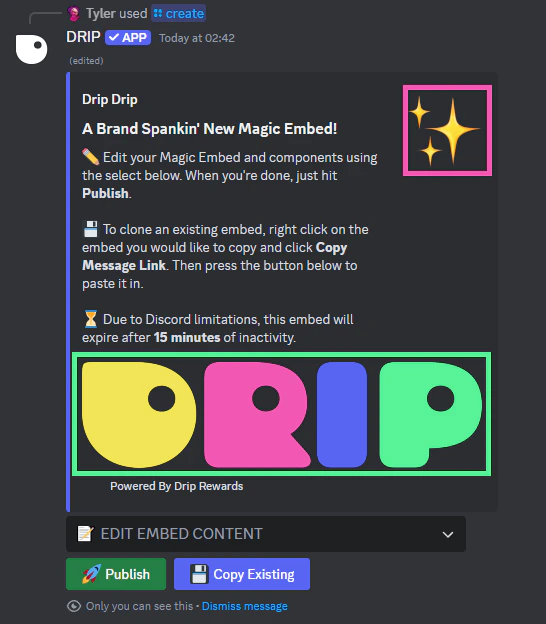
* Image URL -> Image at the bottom of the embed (Green box)
* Thumbnail URL -> Image in the upper right corner next to the text (Pink Box)
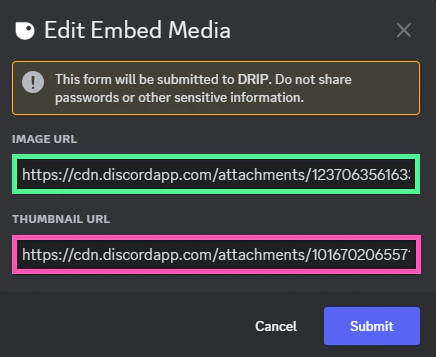 Once you submit the information, the embed is updated.
 *Keywords: edit media, image URL, thumbnail URL*