> ## Documentation Index
> Fetch the complete documentation index at: https://docs.drip.re/llms.txt
> Use this file to discover all available pages before exploring further.
# Edit Text Above Embed
> Set a text that will be displayed above the embed
This option allows you to set a text that will be displayed above the embed. When clicking the option, a form will be opened where you can fill in the text that you want to be displayed.
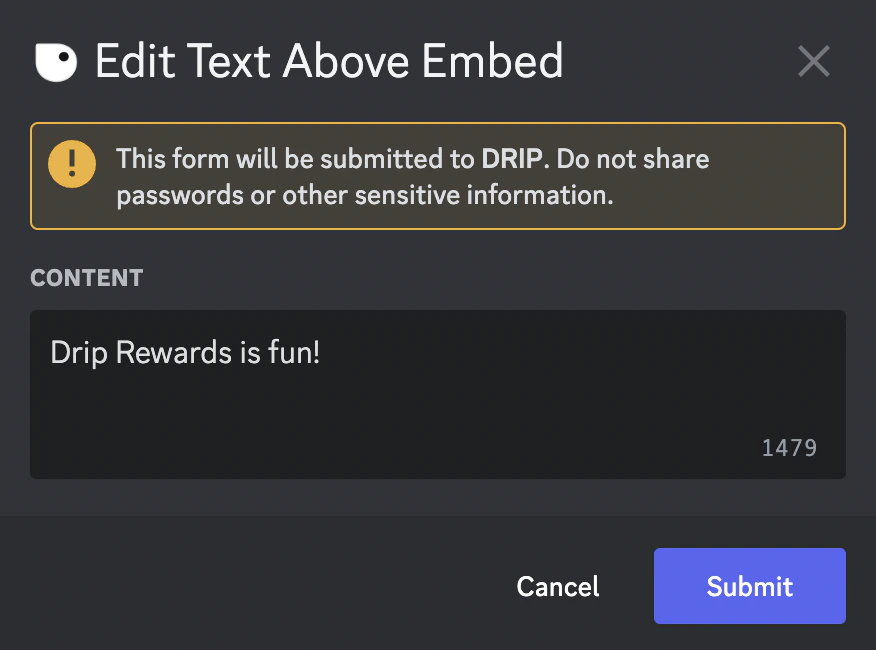 Once you click submit, you will see your text on top of the embed.
 *Keywords: text above embed*