> ## Documentation Index
> Fetch the complete documentation index at: https://docs.drip.re/llms.txt
> Use this file to discover all available pages before exploring further.
# Prizes
> Create raffles for your members to spend tokens on!
### Creating a Prize
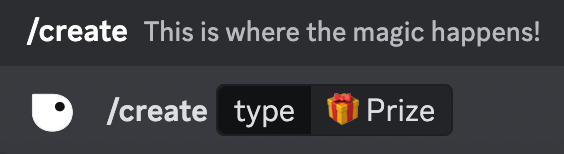
To create a Prize, use the command `/create` and select `🎁 Prize`.
 #### Edit Giveaway
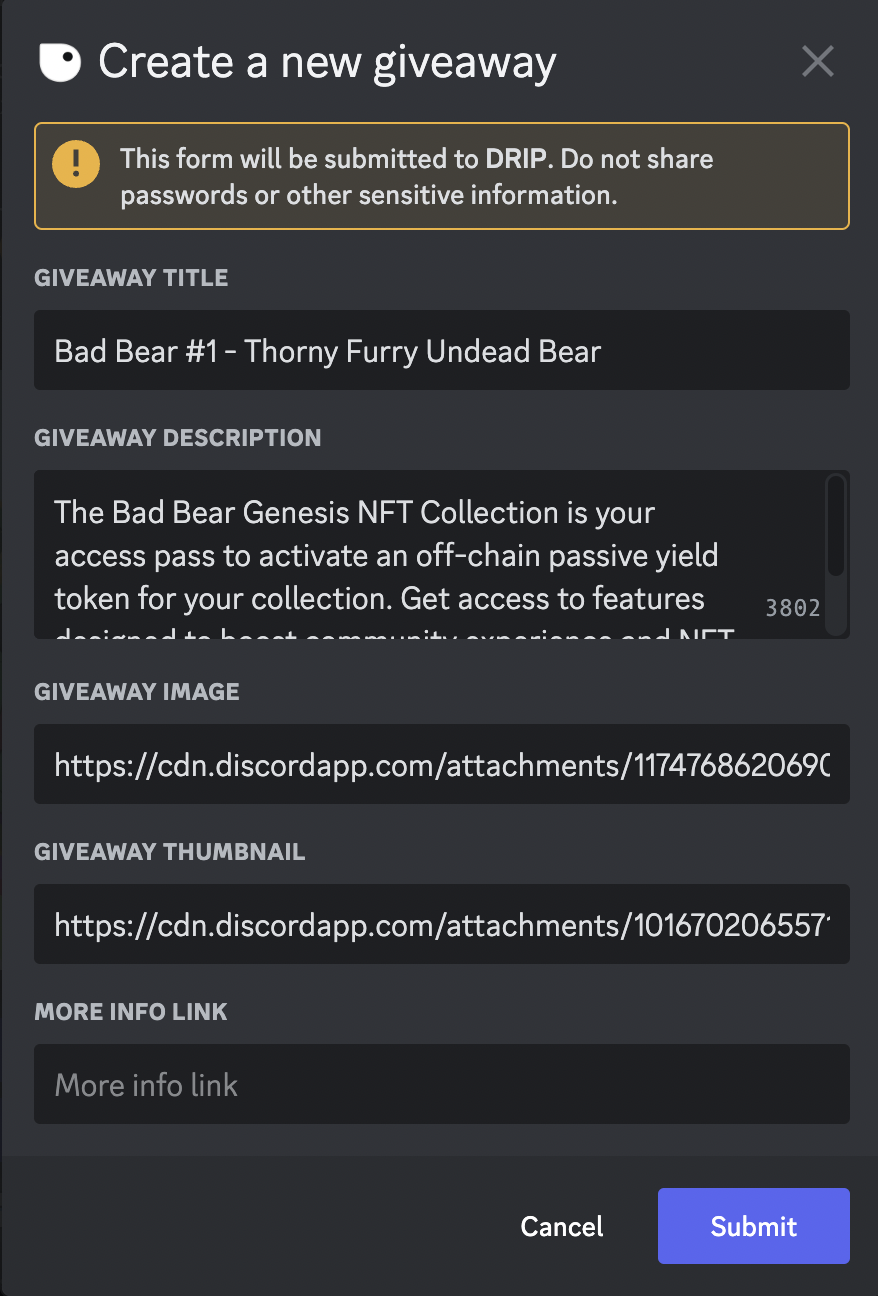
This option allows you to edit the embed with the information of your Giveaway. You can edit the following:
* Giveaway Title
* Giveaway Description
* Giveaway Image
* Giveaway Thumbnail
* More Info Link
#### Edit Giveaway
This option allows you to edit the embed with the information of your Giveaway. You can edit the following:
* Giveaway Title
* Giveaway Description
* Giveaway Image
* Giveaway Thumbnail
* More Info Link
 ### Edit Settings
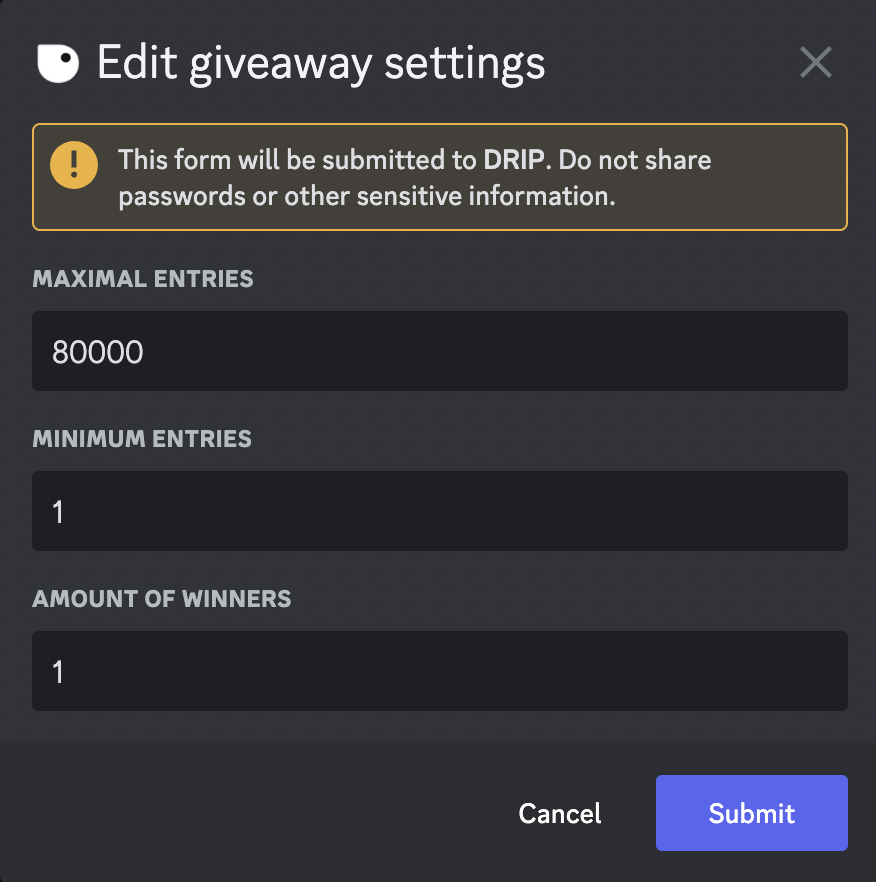
Here you can configure the settings of your item:
* Entry Limit in Points
* Min entry in Points *(Leave blank if no minimum)*
* The number of winners
### Edit Settings
Here you can configure the settings of your item:
* Entry Limit in Points
* Min entry in Points *(Leave blank if no minimum)*
* The number of winners
 #### Edit End Time
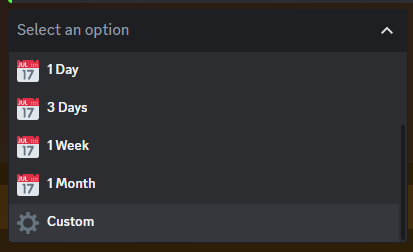
Here you can set the end time of your giveaway. There are some preset options you can use or you can set a custom time.
#### Edit End Time
Here you can set the end time of your giveaway. There are some preset options you can use or you can set a custom time.
 If you would like to set a custom end date, there are 2 options:
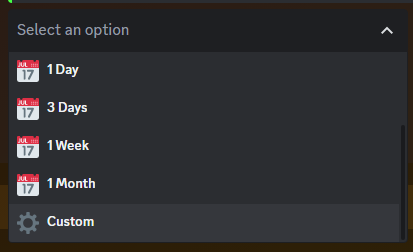
To set a custom end date by using the **Relative Time Format**, scroll down in the select menu and click the option `⚙️Custom`.
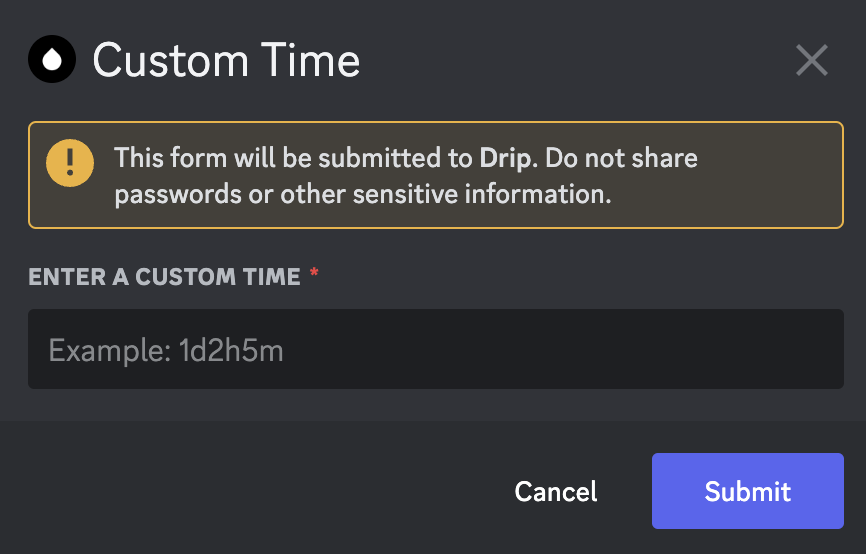
Once you click the option, enter the time in the correct format and click `Submit`.
Time format options:
* 'y' for years
* 'M' for months (Capital)
* 'w' for weeks
* 'd' for days
* 'h' for hours
* 'm' for minutes (Lowercase)
If you would like to set a custom end date, there are 2 options:
To set a custom end date by using the **Relative Time Format**, scroll down in the select menu and click the option `⚙️Custom`.
Once you click the option, enter the time in the correct format and click `Submit`.
Time format options:
* 'y' for years
* 'M' for months (Capital)
* 'w' for weeks
* 'd' for days
* 'h' for hours
* 'm' for minutes (Lowercase)
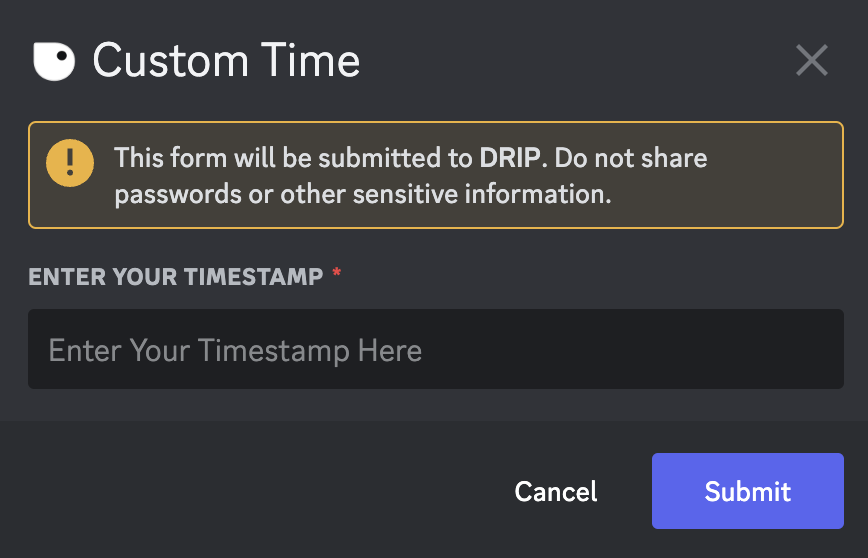
 A custom timestamp gives you absolute control over when your giveaway ends down to the second.
**How to get the timestamp?**
Go to [this website](https://timestampgenerator.com/), and select the date and time you want your giveaway to end. Then, click `Submit`. In `Common Date Formats`, copy the `timestamp`. Now click `Enter Timestamp` below and paste it into the form.
A custom timestamp gives you absolute control over when your giveaway ends down to the second.
**How to get the timestamp?**
Go to [this website](https://timestampgenerator.com/), and select the date and time you want your giveaway to end. Then, click `Submit`. In `Common Date Formats`, copy the `timestamp`. Now click `Enter Timestamp` below and paste it into the form.
 #### Role Settings
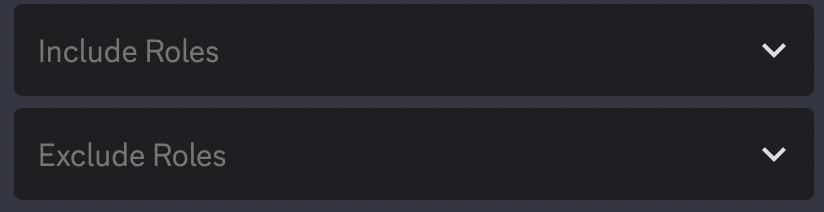
This option allows you to limit who can enter the Giveaway by role. Use the 2 selects to choose the fitting roles:
* Required role to enter
* Exclude a role from entering
#### Role Settings
This option allows you to limit who can enter the Giveaway by role. Use the 2 selects to choose the fitting roles:
* Required role to enter
* Exclude a role from entering
 #### Publish the Giveaway
To publish, click the green `🚀Publish` button, this will send your Giveaway in the current channel.
#### Publish the Giveaway
To publish, click the green `🚀Publish` button, this will send your Giveaway in the current channel.
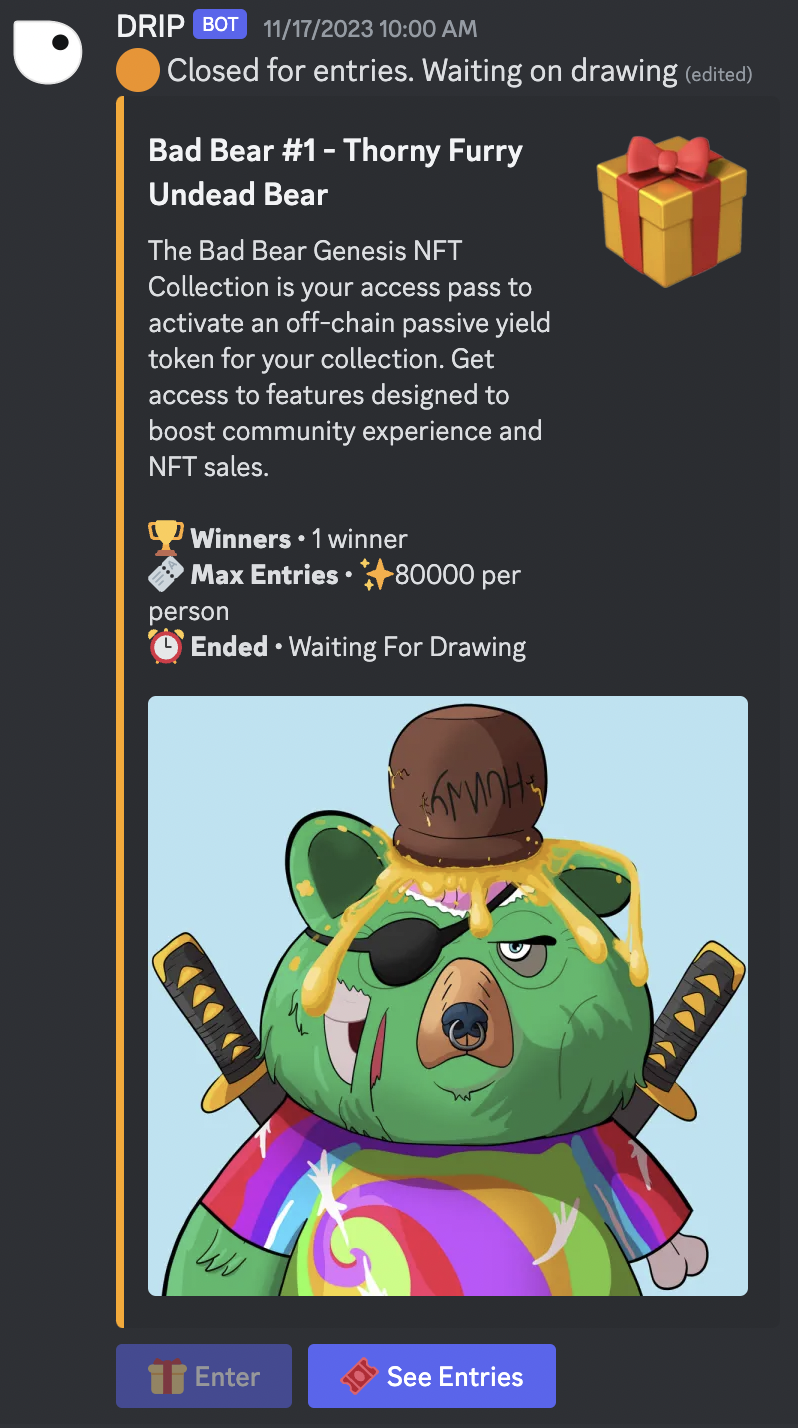 ### Copy Giveaway
To copy an already existing Giveaway, copy the message ID from the Giveaway you want to duplicate.
### Copy Giveaway
To copy an already existing Giveaway, copy the message ID from the Giveaway you want to duplicate.
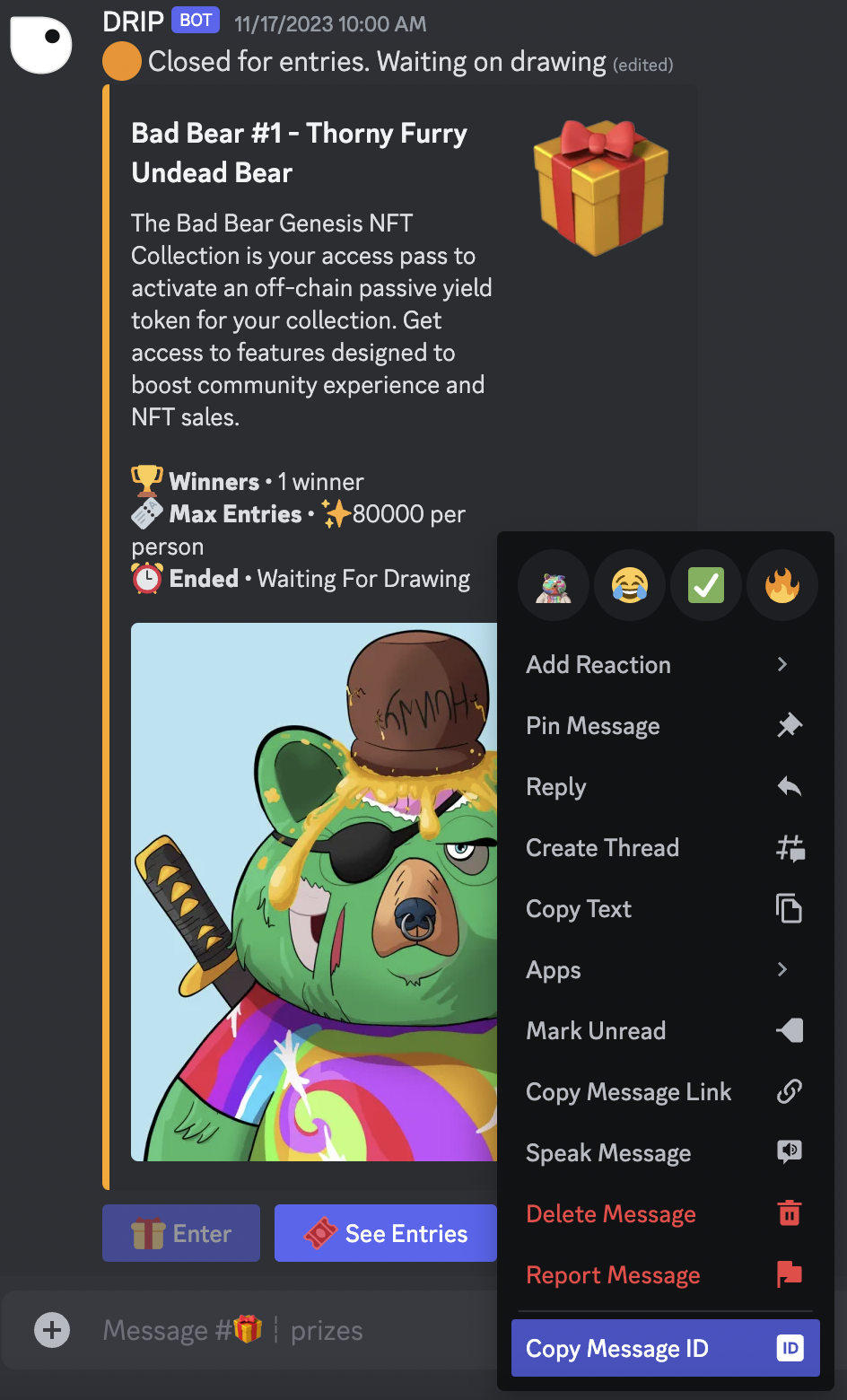 If you don't see the option to copy the message ID, enable Developer Mode
under Settings -> Advanced -> Developer Mode
Now use the `/create` command and select `🎁 Prize`. Click the `💾Copy Existing` button and paste the ID from the message you copied earlier.
If you don't see the option to copy the message ID, enable Developer Mode
under Settings -> Advanced -> Developer Mode
Now use the `/create` command and select `🎁 Prize`. Click the `💾Copy Existing` button and paste the ID from the message you copied earlier.
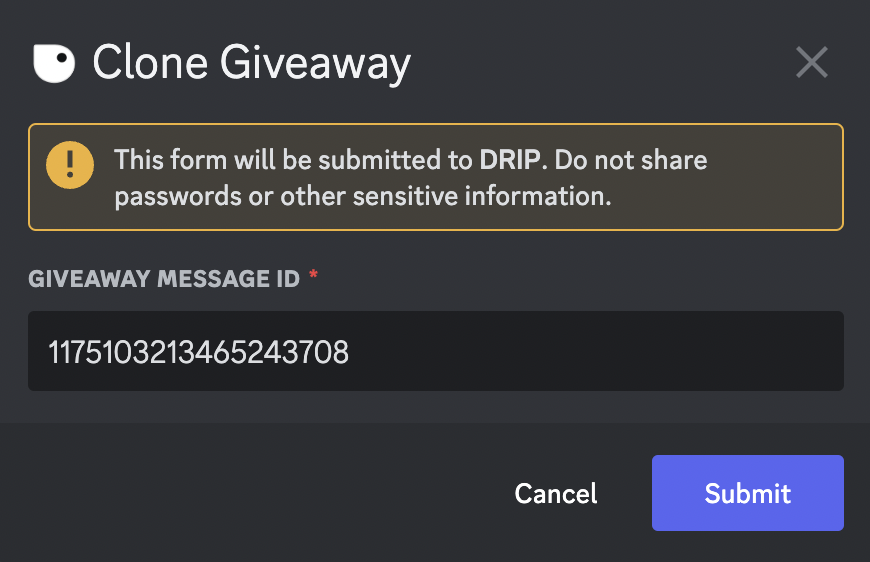 Now you see that the entire configuration of the Giveaway is copied.
### Edit Giveaway
To edit an already existing Store Item: **right-click the message** -> **Apps** -> **Edit**
Now you see that the entire configuration of the Giveaway is copied.
### Edit Giveaway
To edit an already existing Store Item: **right-click the message** -> **Apps** -> **Edit**
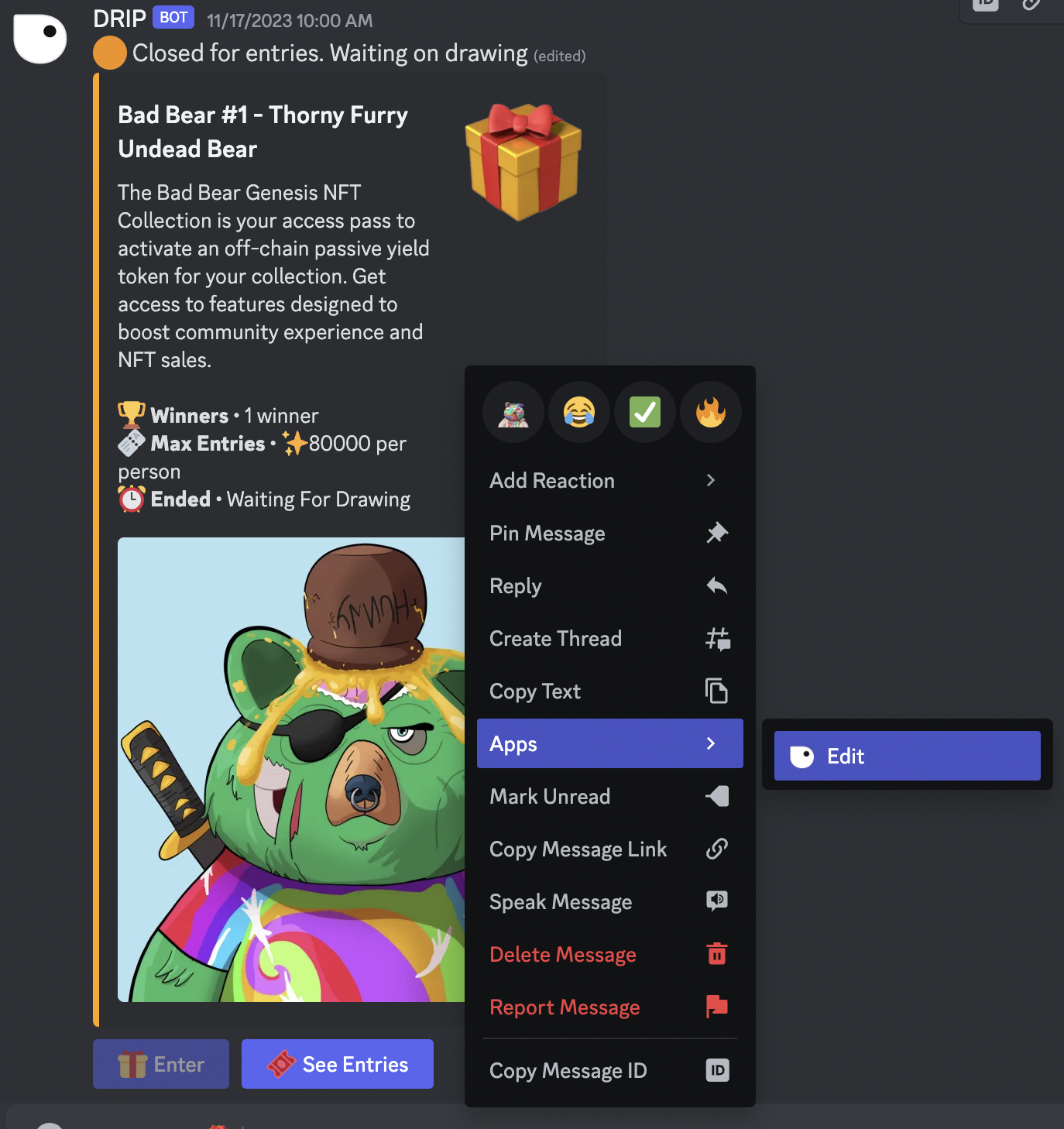 When clicking **Edit**, you will now be able to edit the message. For details, follow the steps in [Creating a Prize](/drip-features/prizes#creating-a-prize).
### Entering a Giveaway
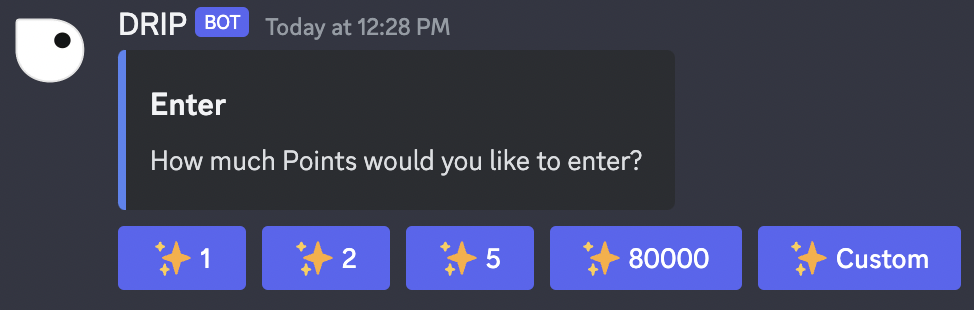
To enter a giveaway, click `🎁 Enter` -> Amount of Points you want to enter
When clicking **Edit**, you will now be able to edit the message. For details, follow the steps in [Creating a Prize](/drip-features/prizes#creating-a-prize).
### Entering a Giveaway
To enter a giveaway, click `🎁 Enter` -> Amount of Points you want to enter
 ### Draw Prize
A prize can only be drawn by a **prize master** or **administrator.** To do this go to the Prize, click `🎉Draw Prize.`
### Draw Prize
A prize can only be drawn by a **prize master** or **administrator.** To do this go to the Prize, click `🎉Draw Prize.`
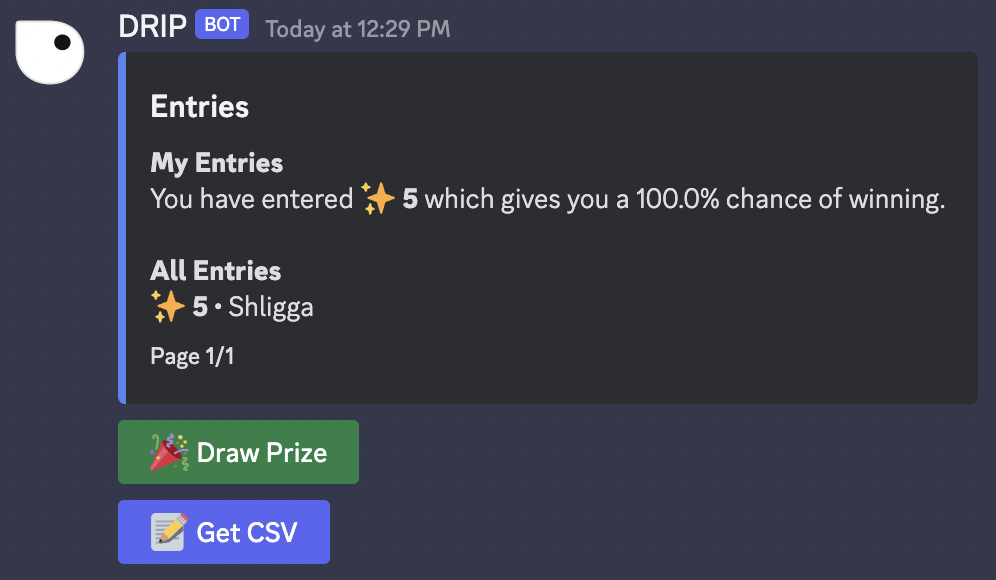 Once you have confirmed, the bot will choose a winner from the members who have entered. Each entry is a chance to win, the more they enter the greater their chance of winning.
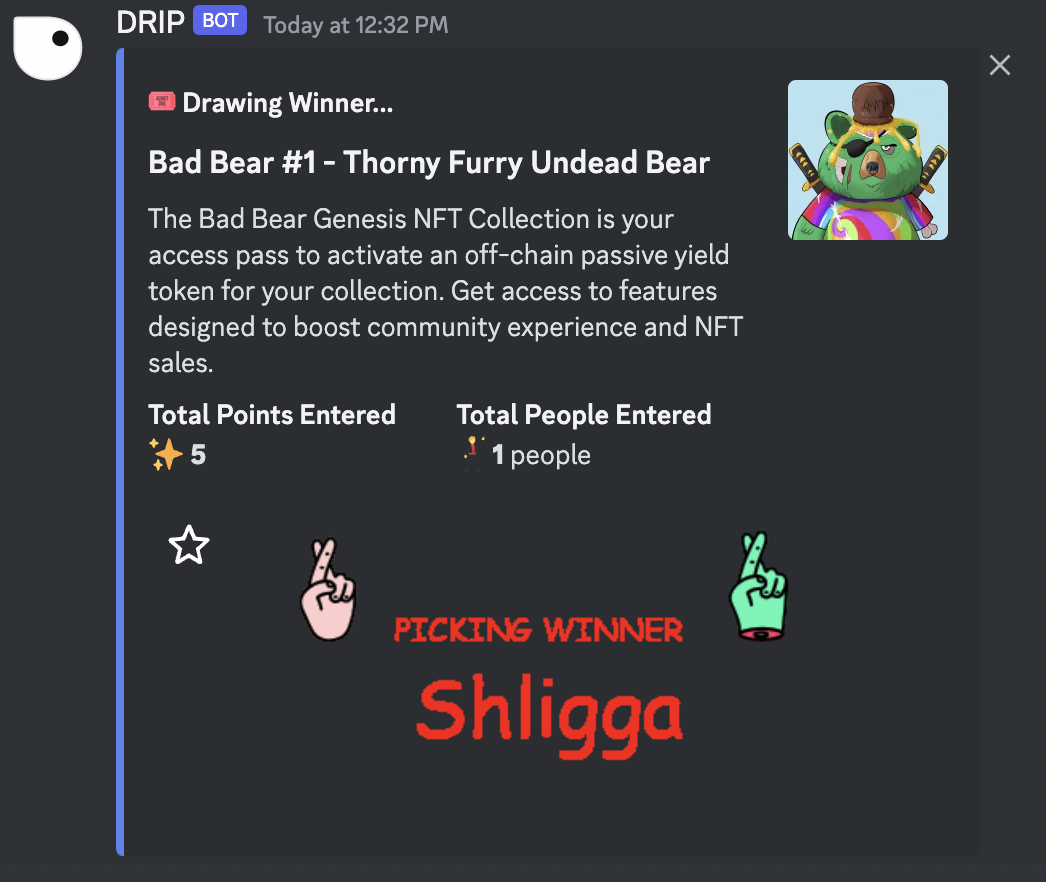 Once a winner is chosen, the message will be updated.
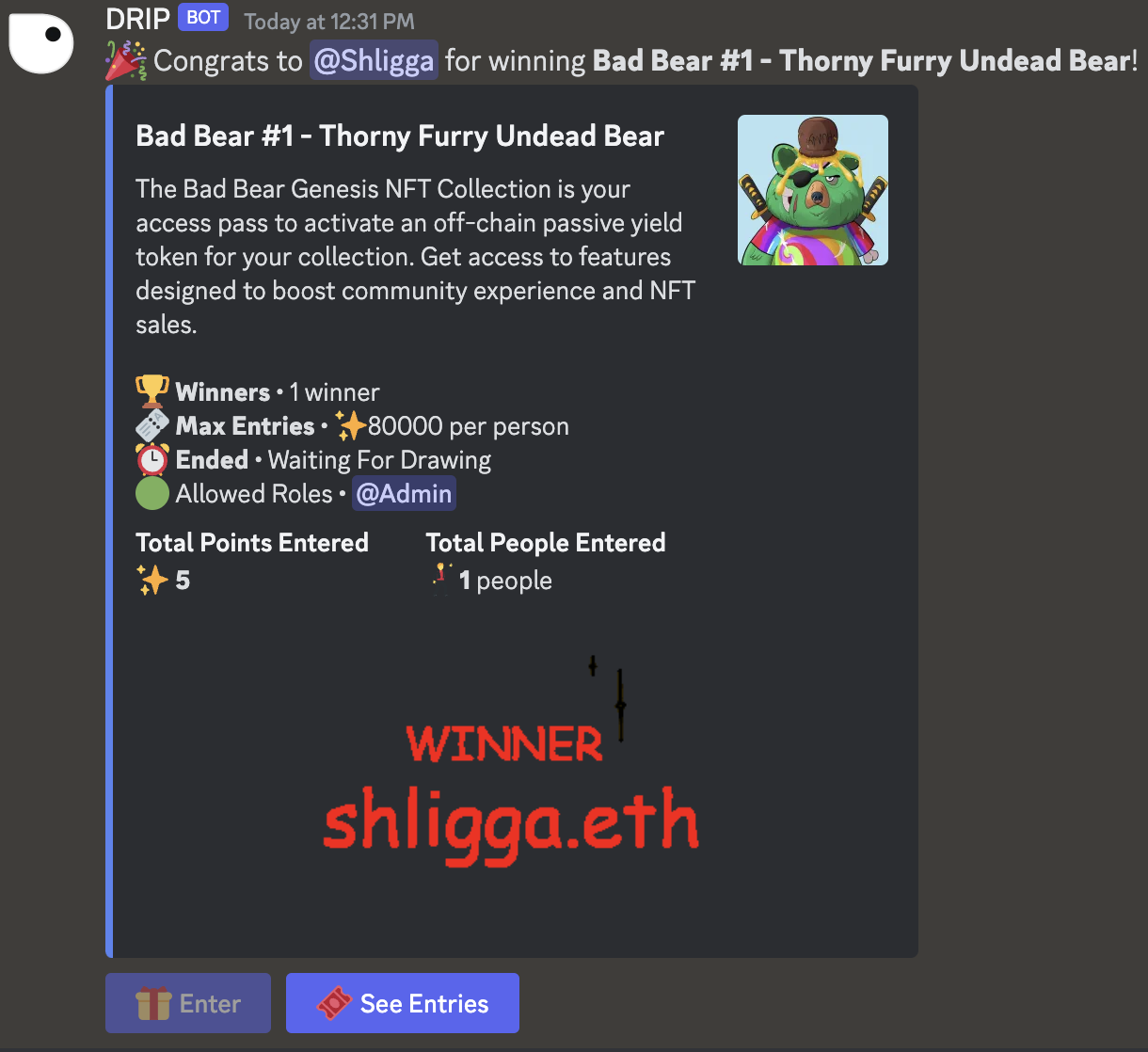 A prize can always be redrawn by following the exact same steps from above.