> ## Documentation Index
> Fetch the complete documentation index at: https://docs.drip.re/llms.txt
> Use this file to discover all available pages before exploring further.
# Overview
> Create a Quest that requires members to perform an action of your choosing
### Creating a Custom Quest
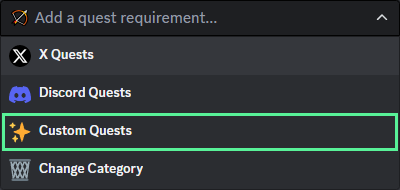
To create a Custom Quest, click on `✨ Custom Quests` from the dropdown menu
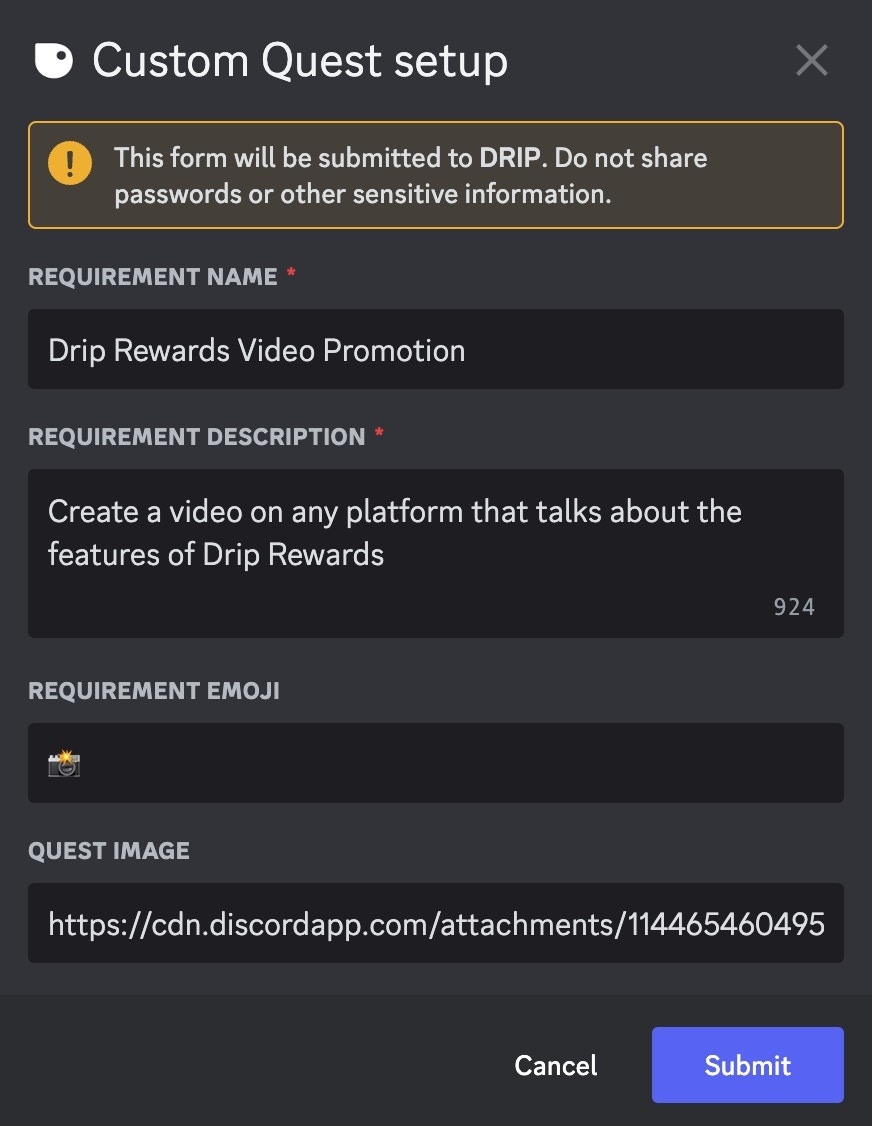
 A form will appear for you to enter information about the custom quest.
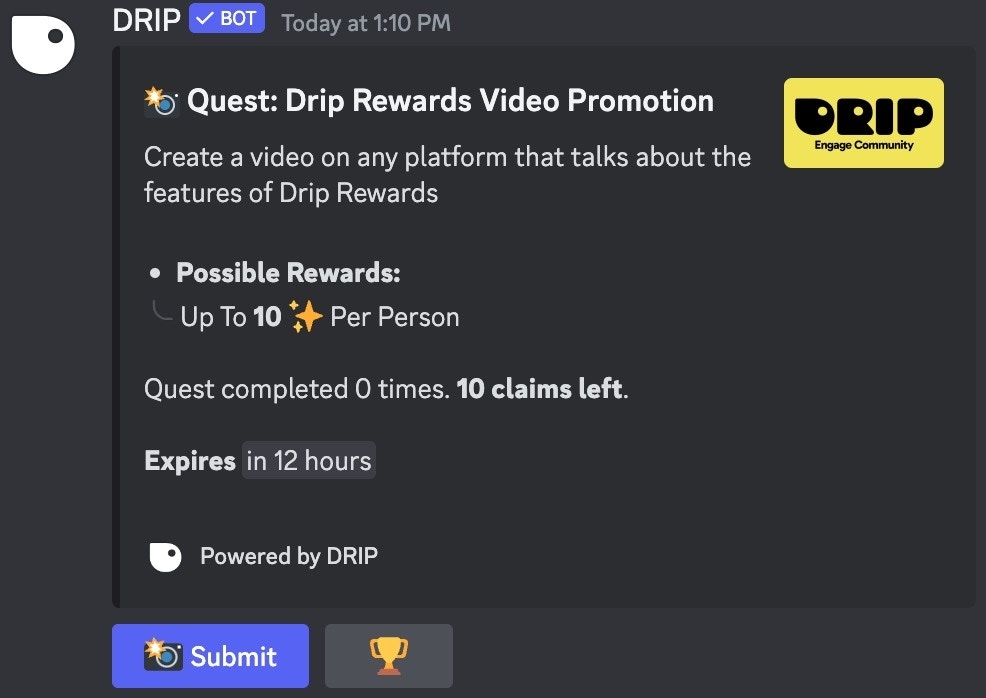
 This information will now appear in the Quest embed
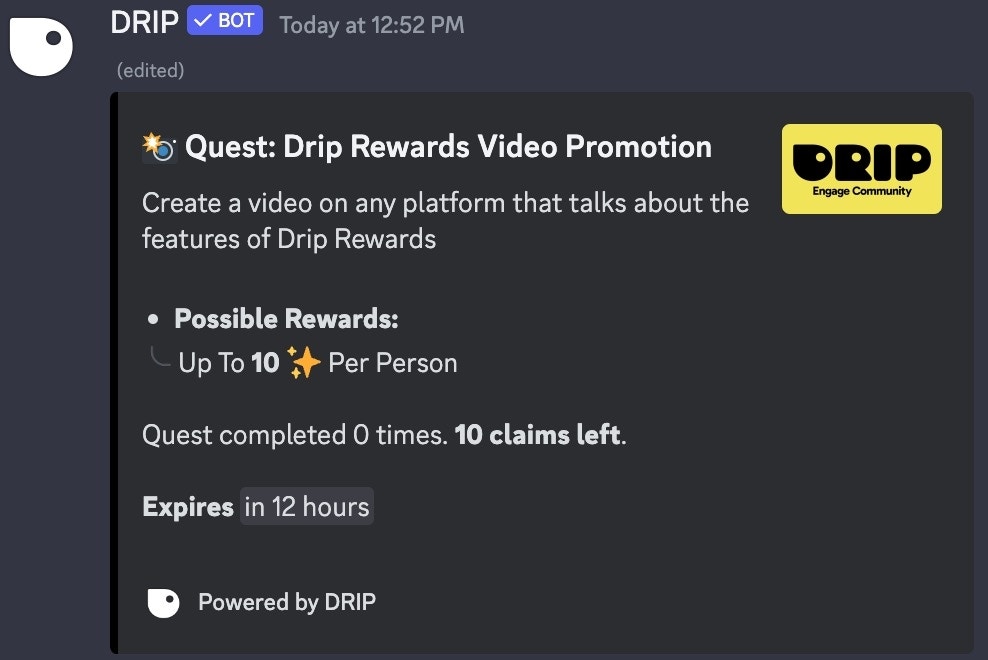 After adding requirements to the Custom Quest, you can modify different components:
* ✨ Rewards**:** Modify the total budget and amount of points per claim. You can also select a role to reward upon completion of the quest
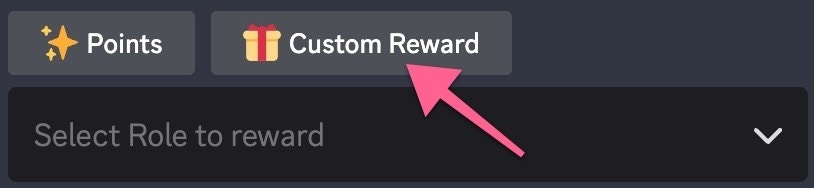
Custom Quests have the ability to give "Custom Rewards"
After adding requirements to the Custom Quest, you can modify different components:
* ✨ Rewards**:** Modify the total budget and amount of points per claim. You can also select a role to reward upon completion of the quest
Custom Quests have the ability to give "Custom Rewards"
 * ✨ Rewards**:** Modify the total budget and amount of points per claim. You can also choose a role to reward, or apply a multiplier for future points earned
* ⏱ **Time:** Change the expiry limit of the Quest (leave blank for no expiry)
* 🔔 Roles**:** Select roles to mention in the Quest
* ✏️ **Customize:** Customize how the Quest looks
* 📄 **Templates:** Create or Select a Quest template
* ✨ Rewards**:** Modify the total budget and amount of points per claim. You can also choose a role to reward, or apply a multiplier for future points earned
* ⏱ **Time:** Change the expiry limit of the Quest (leave blank for no expiry)
* 🔔 Roles**:** Select roles to mention in the Quest
* ✏️ **Customize:** Customize how the Quest looks
* 📄 **Templates:** Create or Select a Quest template
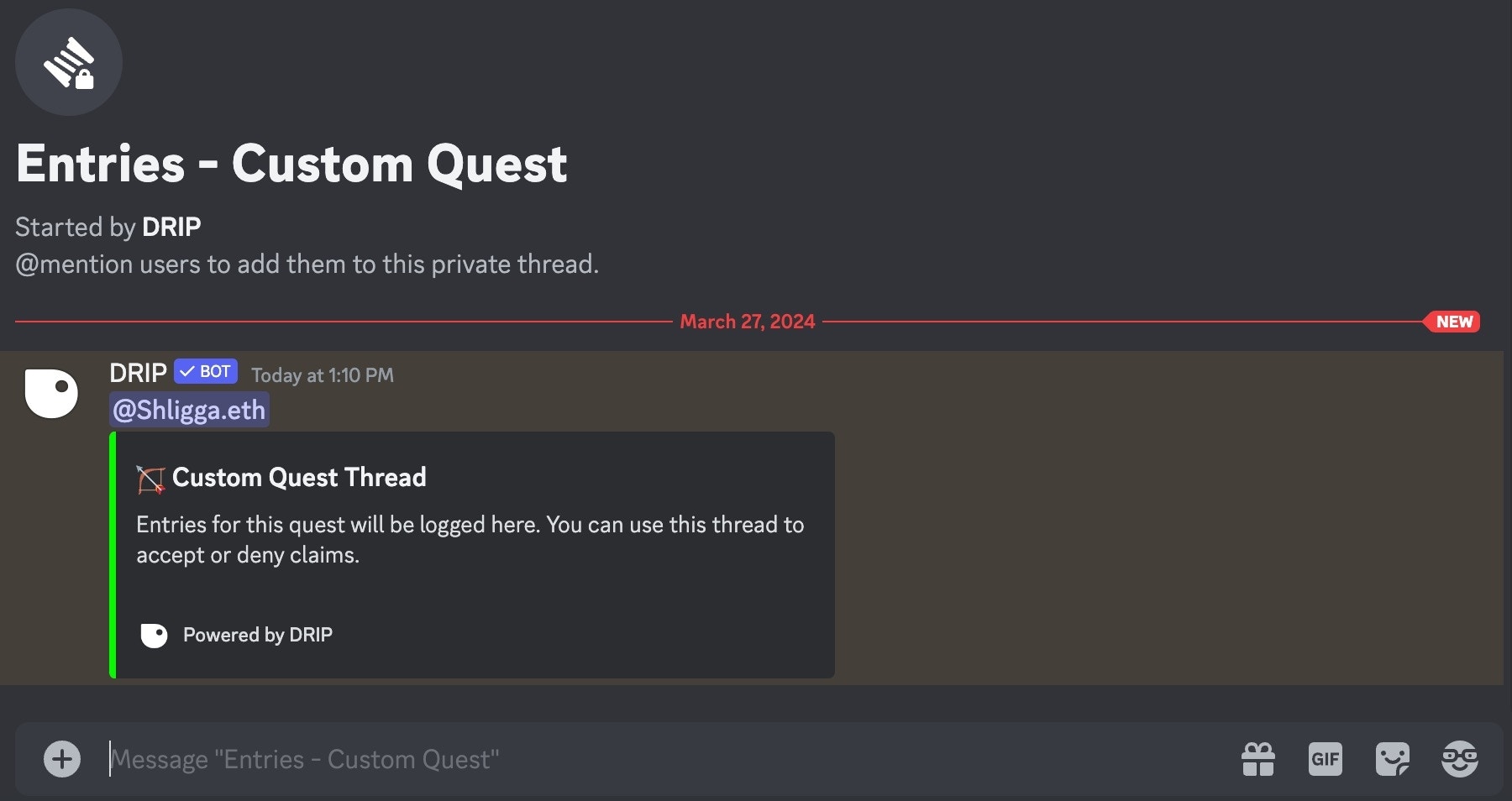
 Click the publish button to send the Quest when finished. A thread will also be created for the creator of the Quest to [verify entries](/drip-features/quests/custom-quests/verify-entries).