

- Preset colors (Red, Green, …)
- Custom Hex Code
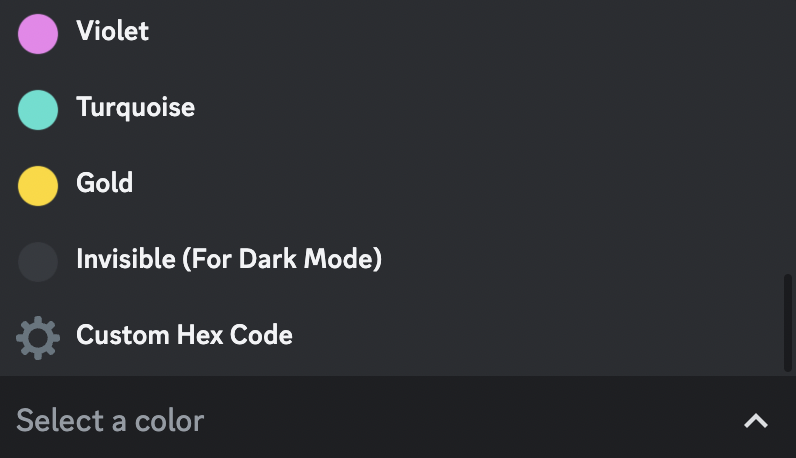
Edit Color Options
🔴 Preset Color
If you want to set one of the preset colors as your color, click on the desired color option and your embed will be updated.⚙️ Custom Hex Code
This option allows you to set the color of the embed to a custom color. When you click the option, you will get a form where you need to fill in the HEX code of the color. You can find the HEX code of a color on this site.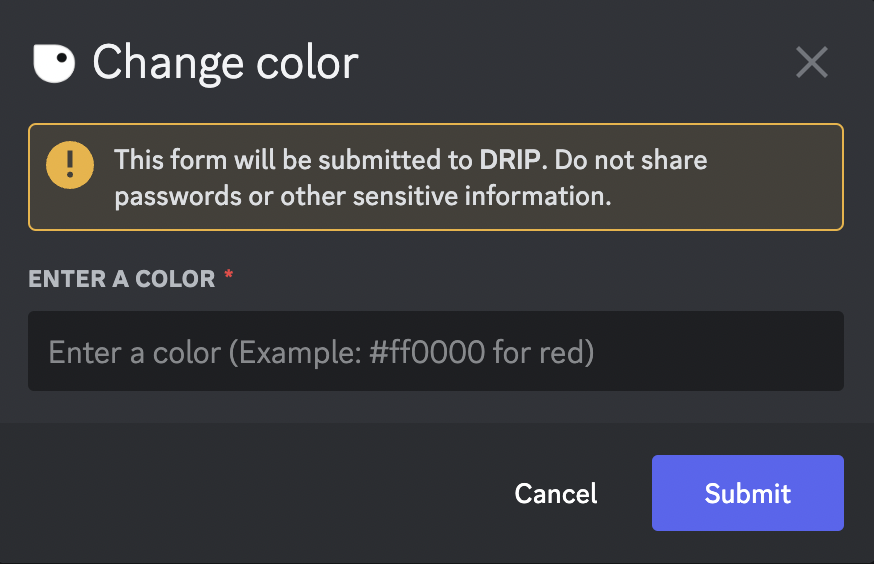
Set Color Custom Hex Code Form

Updated Embed