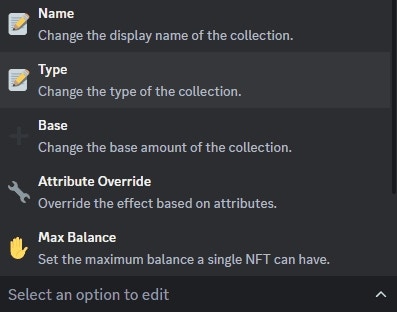

🔥 Manage On-Chain Activations ****from the dropdown menu in Web3 Settings, a new embed will appear:
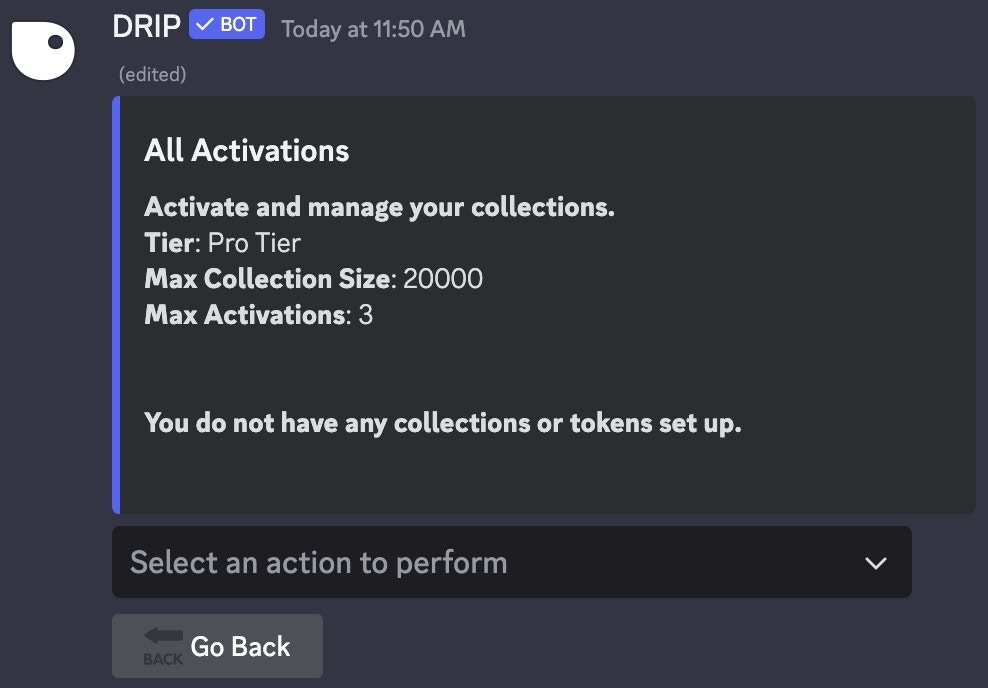
On-Chain Activations Menu
New Activation
To add a new collection, select✨ New Activation from the dropdown menu
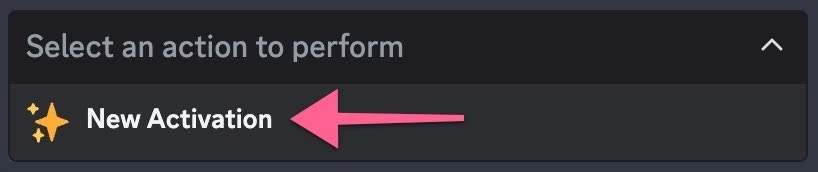
Select New Activation from the dropdown menu
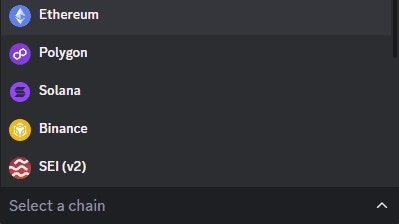
Select a Chain
- Ethereum: ERC-721 NFTs, ERC-1155 NFTs, ERC-20 Tokens
- Polygon: ERC-721 NFTs, ERC-1155 NFTs, ERC-20 Tokens
- Binance: ERC-721 NFTs, ERC-1155 NFTs, ERC-20 Tokens
- SEI (v2): ERC-721 NFTs, ERC-1155 NFTs
- Avalanche: ERC-721 NFTs, ERC-1155 NFTs, ERC-20 Tokens
- Fantom: ERC-721 NFTs, ERC-1155 NFTs, ERC-20 Tokens
- Cronos: ERC-20 Tokens
- Arbitrum: ERC-721 NFTs, ERC-1155 NFTs, ERC-20 Tokens
- Base: ERC-721 NFTs, ERC-1155 NFTs
- Blast: ERC-721 NFTs, ERC-1155 NFTs
- Polygon ZK-EVM: ERC-721 NFTs, ERC-1155 NFTs
- Optimism: ERC-721 NFTs, ERC-1155 NFTs
- Gnosis: ERC-721 NFTs, ERC-1155 NFTs
- Celo: ERC-721 NFTs, ERC-1155 NFTs
- Solana: Solana NFT, Solana Token
Edit Activations
To edit a Web3 Activation, click on the dropdown menu in the Manage Activations Menu and select the collection you would like to edit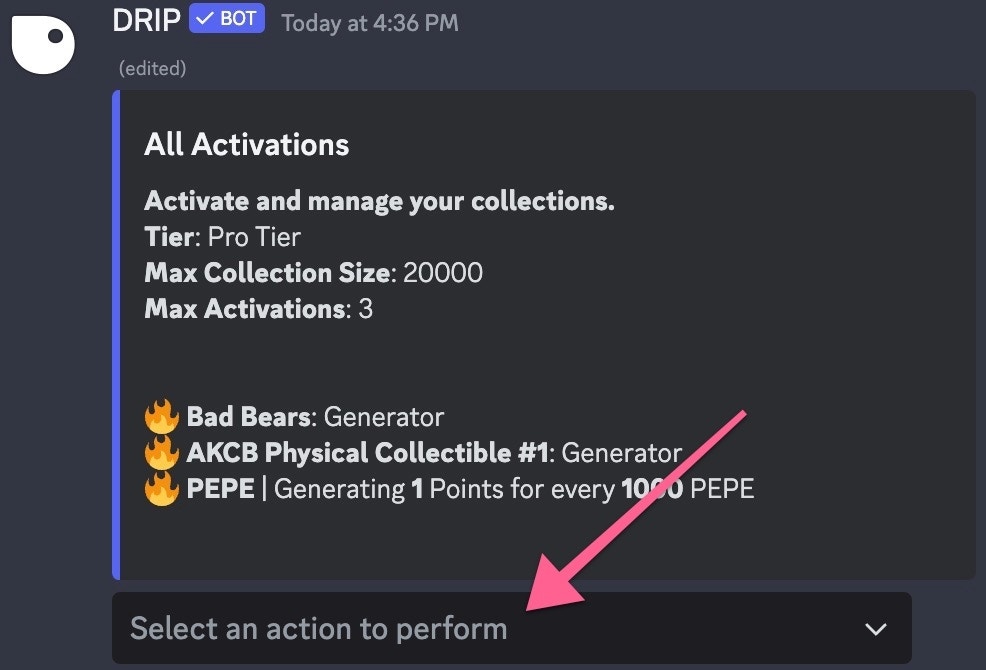
Select the collection you want to edit
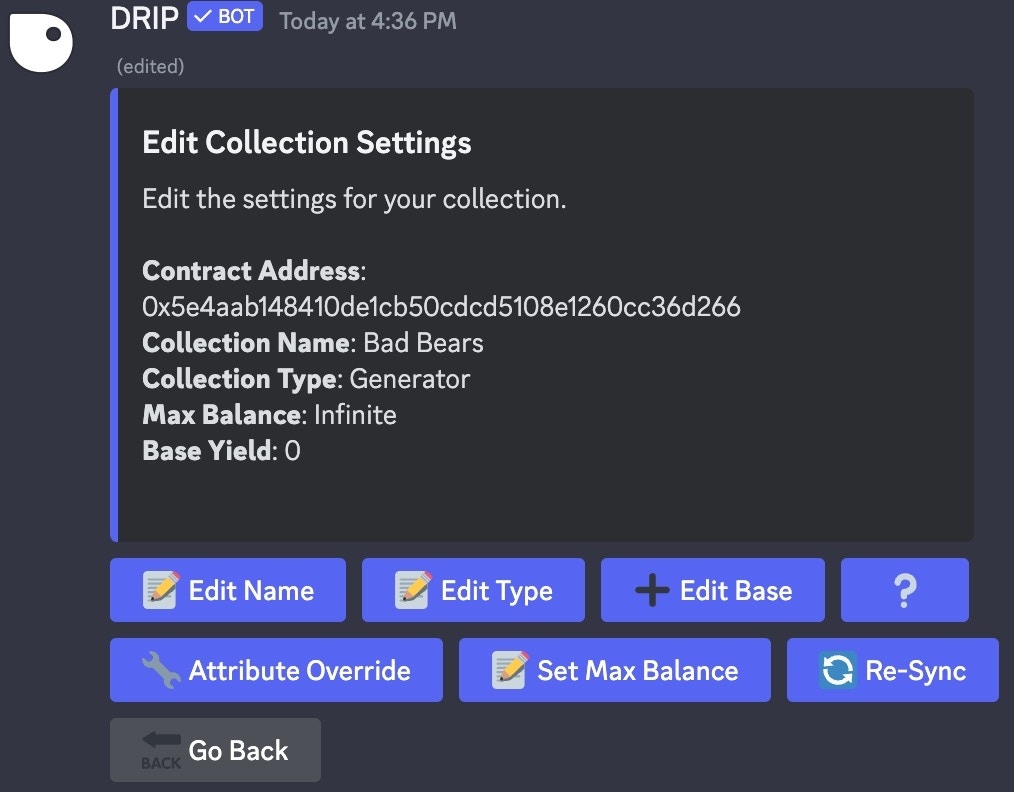
Edit Collection Settings Menu
The buttons from the above embed have become a dropdown menu to keep the UI
tidy and to add “Listing Penalty”.