

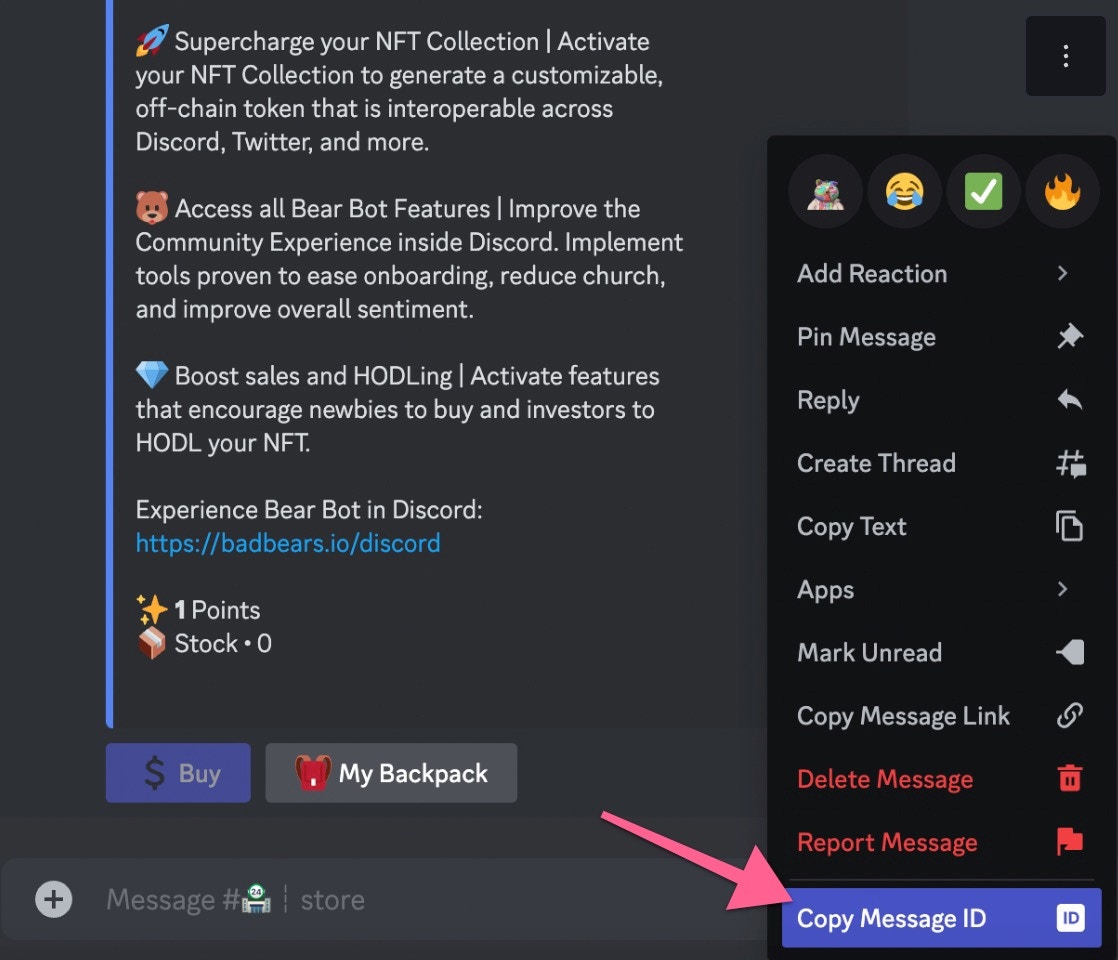
Click on Copy Message ID
If you don’t see the option to copy the message ID, enable Developer Mode
under Settings -> Advanced -> Developer Mode
/create type: 📦 Store Item command. Click the 💾Copy Existing button and paste the ID from the message you copied earlier

Click on Copy Exisiting

Copied Store Item